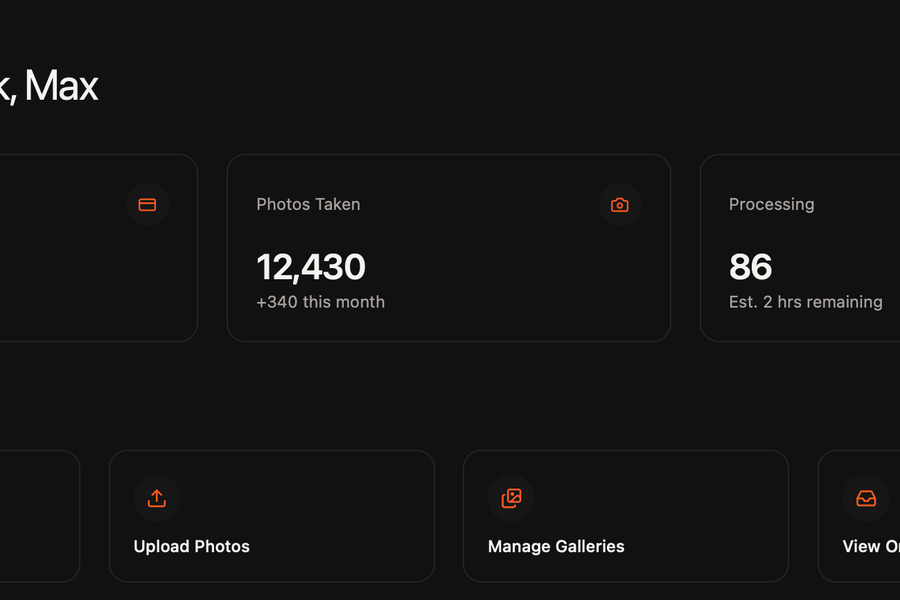
Starting with the clients design of the landing page, I refined the flow and style of the page to enhance user experience.
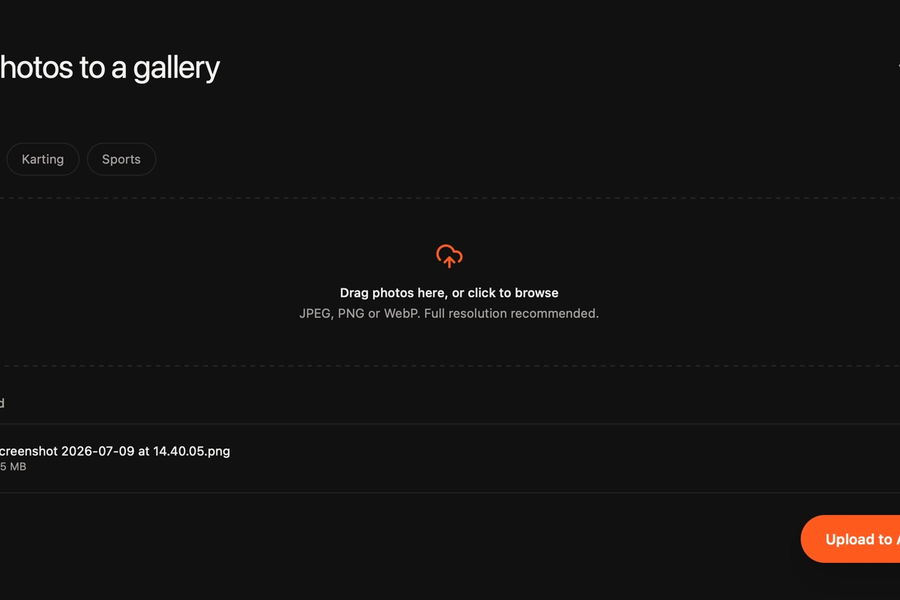
I then moved on to simplifying their most time consuming jobs, managing and publishing galleries. Via the admin dashboard, they can upload full resolution images and assign them to galleries with just a few clicks.
Once uploaded the client can close the website, a background cron job pings the server every minute to process 10 more photos from the queue. This is limited at 10 photos to prevent sudden spikes in RAM and CPU usage, keeping the server responsive whilst actively working through bulk uploads
Processing the photos includes:
- Storing the full resolution image in a storage bucket
- Compressing the image and applying a watermark for ‘public’ viewing
- Creating a thumbnail from the compressed image for displaying in grid
Having a thumbnail ensures lower egress fees for the client as the full resolution image isn’t needed if it’s just going to be skimmed over in a large grid of other photos.